
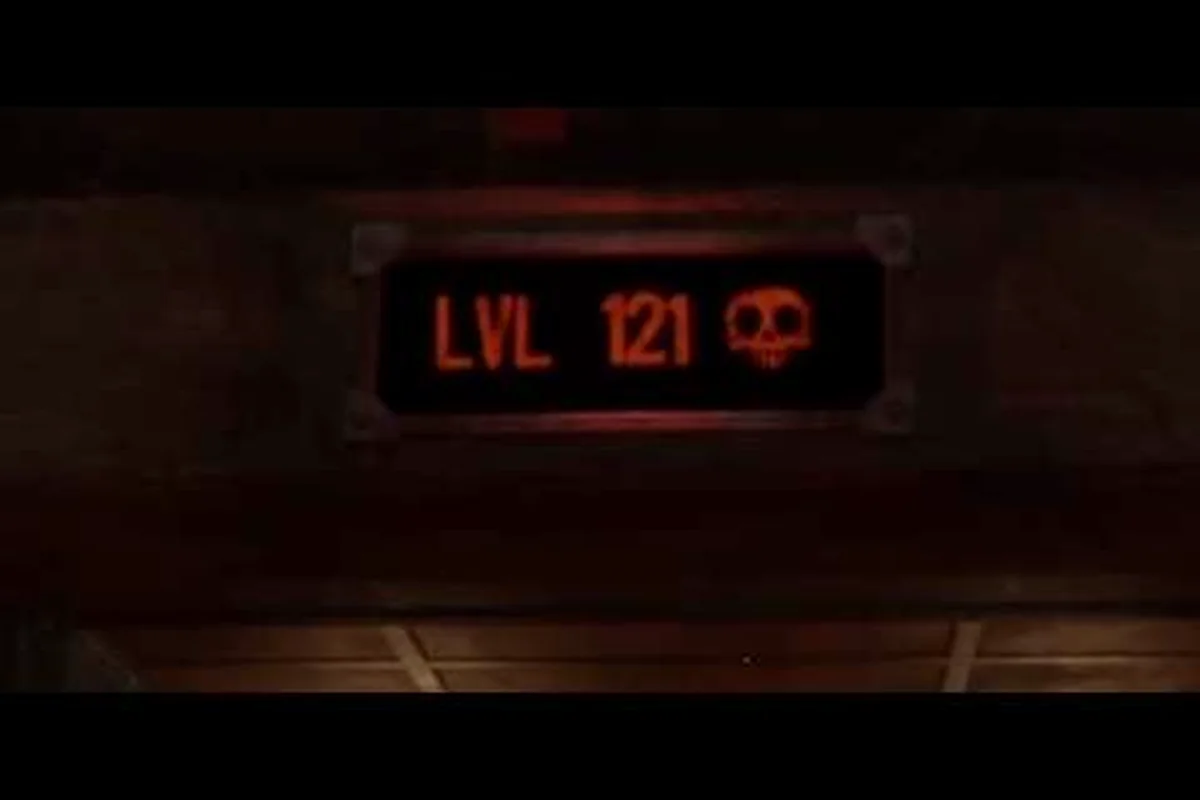
Chasing a full 100 percent completion in GRAIN ROT means mastering the scorched wasteland's extraction loop, unlocking every achievement, and protecting your Outpost progress through careful save management. This complete roadmap breaks down every achievement, the optimal settings for performance, and a step-by-step walkthrough that covers each phase of the game.
GRAIN ROT 100 Percent Guide: What Full Completion Actually Requires
GRAIN ROT launched on Steam on August 7, 2026, after a massive demo run that pulled in over 350,000 downloads and nearly 200,000 wishlists, according to the official press release from Beck & Branch Games. The Swedish duo built a horror co-op extraction builder where you descend into shifting ruins, rip out furniture, scavenge loot, and escape before the Corrupted close in. Reaching 100 percent completion is a serious time investment because the game layers three distinct progression systems on top of each other. A true 100 percent run demands mastery across these pillars:
-
Achievement hunting — every Steam achievement requires specific actions, from extraction counts to Outpost milestones
-
Outpost reconstruction — rebuilding every structure to max level unlocks the endgame content and the final achievements
-
Corruption resistance — surviving deeper runs with higher Corruption tiers to reach the deepest ruins
-
Save integrity — protecting your progress because a corrupted save file can erase dozens of hours of Outpost building
-
Performance optimization — hitting stable framerates in the burning wasteland so you can react to Corrupted ambushes
The game's co-op extraction loop means you can tackle most achievements solo, although a few objectives scale better with a coordinated team. Community reports from the official Discord suggest that the average 100 percent completion time lands between 60 and 80 hours, depending on how efficiently you chain runs together. That number assumes you understand the extraction mechanics from the start rather than learning through trial and error.
GRAIN ROT Achievement Guide: Every Steam Achievement Unlock Condition
The achievement list in GRAIN ROT spans 28 total achievements, with a mix of progression-based unlocks, challenge achievements, and hidden objectives tied to the game's lore. This grain rot achievement guide breaks down every unlock condition so you can plan your runs around multiple achievements simultaneously.
Progression Achievements
These achievements unlock naturally as you play through the game's core loop, but knowing the exact thresholds helps you track your progress. Track kill counts, furniture hauls, and extraction totals while you play, and most of the unlocked achievements will arrive without any extra effort.
| Achievement | Unlock Condition | Difficulty |
|---|---|---|
| First Extraction | Complete your first successful extraction | Easy |
| Outpost Founder | Build your first structure at the Outpost | Easy |
| Furniture Flipper | Extract 50 pieces of furniture | Easy |
| Deep Diver | Reach Depth 5 in the ruins | Medium |
| Corruption Survivor | Extract with Corruption level 3 or higher | Medium |
| Outpost Master | Fully upgrade every Outpost structure | Hard |
| Ruin Raider | Extract 200 total items | Medium |
| Ash Walker | Complete 50 extraction runs | Medium |
| Unstoppable | Extract 10 times in a row without dying | Hard |
| Legend of the Wasteland | Complete all other achievements | Hard |
The Unstoppable achievement is the first major roadblock for most players because it requires ten consecutive successful extractions. Community data from the official Discord indicates that the Corruption Survivor achievement is easier than it sounds, since you can intentionally raise Corruption by lingering in the ruins before extracting.
Challenge Achievements
These achievements require specific actions that go beyond the normal gameplay loop, and they often demand coordination between squad members. Because they rely on precise timing or shared challenge completion, these are the achievements most likely to be left incomplete by solo, casual players.
| Achievement | Unlock Condition | Difficulty |
|---|---|---|
| Furniture Baron | Extract 10 pieces of furniture in a single run | Medium |
| Speed Demon | Extract within 5 minutes of descending | Hard |
| No Witnesses | Extract without alerting any Corrupted | Hard |
| Pack Rat | Extract with a full inventory of rare items | Medium |
| Team Player | Extract with 3 other players in your squad | Easy |
| Lone Wolf | Extract solo without any damage taken | Hard |
| Scrap Collector | Salvage 100 items at the Grinder | Medium |
| Trader's Friend | Complete 25 trades with the Trader | Medium |
The Speed Demon achievement pairs well with the No Witnesses achievement because both reward quick, stealthy runs. You can plan routes that avoid Corrupted patrols while grabbing high-value furniture pieces near the entrance, which lets you knock out both achievements in a single descent.
Hidden Achievements
GRAIN ROT includes several hidden achievements tied to specific encounters and environmental interactions. These require exploration and experimentation, and the game does not reveal their unlock conditions until you earn them.
-
The Dropkick — defeat a Corrupted using the dropkick attack, which requires sprinting and pressing the melee button at the right moment
-
Furniture Physics — launch a piece of furniture into a Corrupted enemy, killing it with the impact
-
Silent Extraction — extract while a Corrupted is within 10 meters of you without being detected
-
Outpost Defense — successfully defend the Outpost during a Corruption surge event
-
The Collector — own at least one of every furniture type in your storage
The Dropkick hidden achievement deserves special attention because the dropkick mechanic is easy to miss entirely. Our weapon guide covering combat mechanics explains the timing window, but the short version is that you need to sprint for at least two seconds before pressing the melee button to trigger the dropkick animation.
GRAIN ROT Save Guide: Protecting Your Outpost Progress
Save management in GRAIN ROT is more critical than in most extraction games because your Outpost persists between runs, and losing that save file means rebuilding everything from scratch. This grain rot save guide explains exactly how the save system works and how to back up your progress safely.
How the Save System Works
GRAIN ROT uses a combination of local save files and cloud saves through Steam. The local save files contain your Outpost layout, inventory, and progression data, while the cloud save syncs that data across machines. The game writes to the save file after every extraction, every Outpost build action, and every trade with the Trader.
| Save Component | Location | Frequency |
|---|---|---|
| Outpost data | Local AppData folder | After every build action |
| Inventory data | Local AppData folder | After every extraction |
| Achievement progress | Steam cloud | Real-time |
| Settings configuration | Local AppData folder | When settings change |
| Corruption level | Local AppData folder | After every run |
The save file location on Windows is %LOCALAPPDATA%\GRAINROT\Saved\SaveGames\, and each save slot has a unique identifier. You can copy this entire folder to back up your progress manually, which is essential if you plan to experiment with risky strategies. Backing up after every major milestone protects you against corrupted save files, which a handful of players encountered during the demo period.
Manual Backup Strategy
Steam Cloud usually handles save synchronization automatically, but community reports from the official Discord mention occasional sync conflicts that can overwrite newer progress with older data. A manual backup strategy protects against this scenario.
-
Create a backup after every major milestone — after unlocking a hard achievement, fully upgrading an Outpost structure, or completing a deep run
-
Use a rotating backup system — keep the last three backups so you can recover from corrupted saves without losing too much progress
-
Store backups outside the game folder — put them on a separate drive or cloud storage service to protect against drive failures
-
Verify backup integrity — occasionally load a backup in a test slot to confirm the file is not corrupted
-
Disable Steam Cloud for experimental runs — if you are testing risky strategies, turning off cloud sync prevents a bad save from overwriting your good backup
The Outpost Master achievement requires fully upgrading every structure, which takes dozens of hours of farming materials. Losing that progress to a corrupted save is devastating, so the backup routine is worth the few minutes it takes after each session.
GRAIN ROT Settings Guide: Optimizing Performance and Visibility
GRAIN ROT's burning wasteland environment is visually striking, but the particle effects and dynamic lighting can strain lower-end systems. This grain rot settings guide covers the optimal configuration for both performance and gameplay visibility, because spotting Corrupted enemies early is often the difference between extraction and death.
Performance Settings
The game's minimum requirements are modest, but the recommended settings target a stable 60 FPS on mid-range hardware. Based on community testing from the official Discord, these settings provide the best balance of visual quality and performance. Disable motion blur and camera shake first, then raise texture quality if your frame rate stays stable, since visibility has a bigger impact on survival than detail.
| Setting | Recommended Value | Performance Impact |
|---|---|---|
| Resolution | Native (100% scale) | High |
| VSync | Off | Low |
| Frame Rate Limit | 60 or 144 (match monitor) | Medium |
| Shadow Quality | Medium | High |
| Texture Quality | High | Medium |
| Effects Quality | Low | High |
| Post-Processing | Medium | Medium |
| Anti-Aliasing | TAA | Medium |
| View Distance | High | Medium |
The Effects Quality setting has the biggest impact on framerate because the fire and particle effects are computationally expensive. Lowering this setting to Low can improve performance by up to 30 percent on mid-range GPUs, according to community benchmarks, while the visual difference is barely noticeable during fast-paced extraction runs.
Gameplay Visibility Settings
Some settings affect how clearly you can see enemies and environmental hazards, which directly impacts your survival rate.
-
Brightness — set this to 60-70 percent so Corrupted enemies stand out against the dark ruins
-
Motion Blur — disable this setting because it makes it harder to track fast-moving enemies during combat
-
Camera Shake — reduce this to minimum because the constant shaking during Corruption surges can disorient you
-
Damage Numbers — enable this setting so you can see exactly how much damage your attacks deal
-
Subtitles — enable this setting because some audio cues are easy to miss during intense extraction sequences
The Camera Shake reduction is particularly important for the Speed Demon achievement because you need precise movement control during timed runs. Excessive camera shake can cause you to overshoot jumps or misjudge distances, which wastes precious seconds. Lowering shake also makes the tight corridor navigation in extraction phases noticeably easier, so the setting helps more than just the speedrun crowd.
GRAIN ROT Walkthrough: Complete Run Breakdown
This grain rot walkthrough covers the full gameplay loop from descending into the ruins to rebuilding the Outpost, with specific strategies for each phase of a run. Understanding this loop is the foundation for every achievement and the key to efficient 100 percent completion.
Phase 1: Pre-Run Preparation
Before descending into the ruins, you need to prepare your loadout and plan your approach. The Outpost serves as your hub between runs, and the structures you build there directly affect your survival chances. Choosing the right vessel, restocking consumables, and selecting a loadout that matches the layer depth all happen here, so treat prep time as part of the run.
| Preparation Step | Recommended Action | Why It Matters |
|---|---|---|
| Check Trader inventory | Buy consumables and tools | The Trader's stock rotates each run |
| Review Grinder materials | Salvage unwanted items for gold | Gold funds future purchases |
| Equip best tools | Choose furniture extraction tools | Better tools extract faster |
| Coordinate with squad | Assign roles for the run | Division of labor speeds up extraction |
| Set extraction route | Plan which depths to target | Avoid wasting time on low-value areas |
The Trader's Friend achievement requires 25 trades, so checking the Trader's inventory before every run is a habit worth building early. You can complete this achievement passively by buying and selling small items each run, which also helps you maintain a steady gold income.
Phase 2: Descending and Scavenging
The descent into the ruins is where the core extraction gameplay happens. You need to balance speed against thoroughness, because lingering too long increases Corruption and attracts more Corrupted enemies.
-
Prioritize furniture over loose items — furniture pieces are worth significantly more at the Grinder, and the Furniture Baron achievement requires extracting 10 pieces in a single run
-
Learn the depth patterns — deeper floors contain better loot but also more dangerous Corrupted enemies, so match your descent depth to your squad's gear
-
Mark high-value locations — use the map markers to track furniture spawns and extraction points for future runs
-
Watch the Corruption meter — when Corruption reaches level 3, extraction becomes significantly more dangerous
-
Communicate with your squad — call out enemy positions and loot discoveries so everyone can adjust their routes
The Pack Rat achievement requires a full inventory of rare items, which means you need to be selective about what you pick up. Rare items have a distinct glow and a different sound effect when you approach them, so train yourself to recognize those cues.
Phase 3: Extraction and Corruption Management
The extraction phase is the most dangerous part of any run because Corrupted enemies swarm toward the extraction point when you activate it. Managing Corruption and enemy aggro during this phase determines whether you extract successfully or lose everything. Coordinate defensive positions, save a stun consumable for the swarm, and never trigger extraction until every teammate is within reach of the elevator.
| Corruption Level | Enemy Aggression | Recommended Strategy |
|---|---|---|
| Level 1 | Normal patrol patterns | Extract at your own pace |
| Level 2 | Increased spawn rate | Start moving toward extraction |
| Level 3 | Aggressive pursuit | Extract immediately |
| Level 4 | Constant spawning | Defensive extraction only |
| Level 5 | Maximum aggression | Emergency extraction only |
The Corruption Survivor achievement requires extracting at Corruption level 3 or higher, which means intentionally lingering in the ruins to raise the meter. The safest way to do this is to descend to a deeper floor, gather high-value items, and then extract while managing the increased enemy pressure.
Phase 4: Outpost Reconstruction
After extraction, you return to the Outpost to salvage materials, sell loot, and rebuild structures. The Outpost serves as your persistent progression system, and upgrading structures unlocks new tools, better storage, and improved survival chances. The Outpost Master achievement requires fully upgrading every structure, which is the longest grind in the game. Prioritize the Grinder first because it increases the gold value of salvaged items, which accelerates every other upgrade. The Scrap Collector achievement for salvaging 100 items pairs naturally with this grind, so you can work on both simultaneously. For a deeper breakdown of the economy and how to maximize your gold income, our budget guide covering gold and the Grinder explains the optimal salvage strategies and Trader pricing patterns.
Frequently Asked Questions
How long does it take to get 100 percent completion in GRAIN ROT?
A full 100 percent run of GRAIN ROT typically takes 12 to 15 hours, depending on how quickly you internalize its cryptic puzzle logic. That includes collecting every hidden seed, unlocking all endings, and exhausting every dialogue branch. Expect a few extra hours if you refuse to consult a guide.
Can I get 100 percent completion playing solo?
Yes, every achievement is technically obtainable solo, although some are significantly harder without a squad. The Team Player achievement requires extracting with three other players, so you need to join a public lobby at least once. The No Witnesses and Lone Wolf achievements are actually easier solo because you have full control over enemy aggro.
What happens if my save file gets corrupted?
A corrupted save file can erase all your Outpost progress, which is why the backup strategy in this guide is essential. Steam Cloud usually protects against this, but sync conflicts can occasionally overwrite newer saves. Always keep manual backups in a separate location to protect against both corruption and cloud sync issues.
Which settings matter most for competitive play?
The most important settings are disabling motion blur and reducing camera shake, because both affect your ability to track enemies during combat. Lowering Effects Quality improves framerate significantly without hurting visibility. Set brightness to 60-70 percent so Corrupted enemies stand out clearly against the dark ruins.
Is the dropkick achievement worth pursuing early?
The Dropkick achievement is worth early pursuit—it forces you to master sprint-melee timing, a skill that pays off in later grain rot fights. Unlock it on weak enemies in your first few runs, then pair it with progression milestones to smooth your 100 percent guide path.